
Reschedule a service visit without losing the commitment
Check customer confirmation, crew instructions, parts and site access when a visit moves. Preserve the original job and the current approved scope.
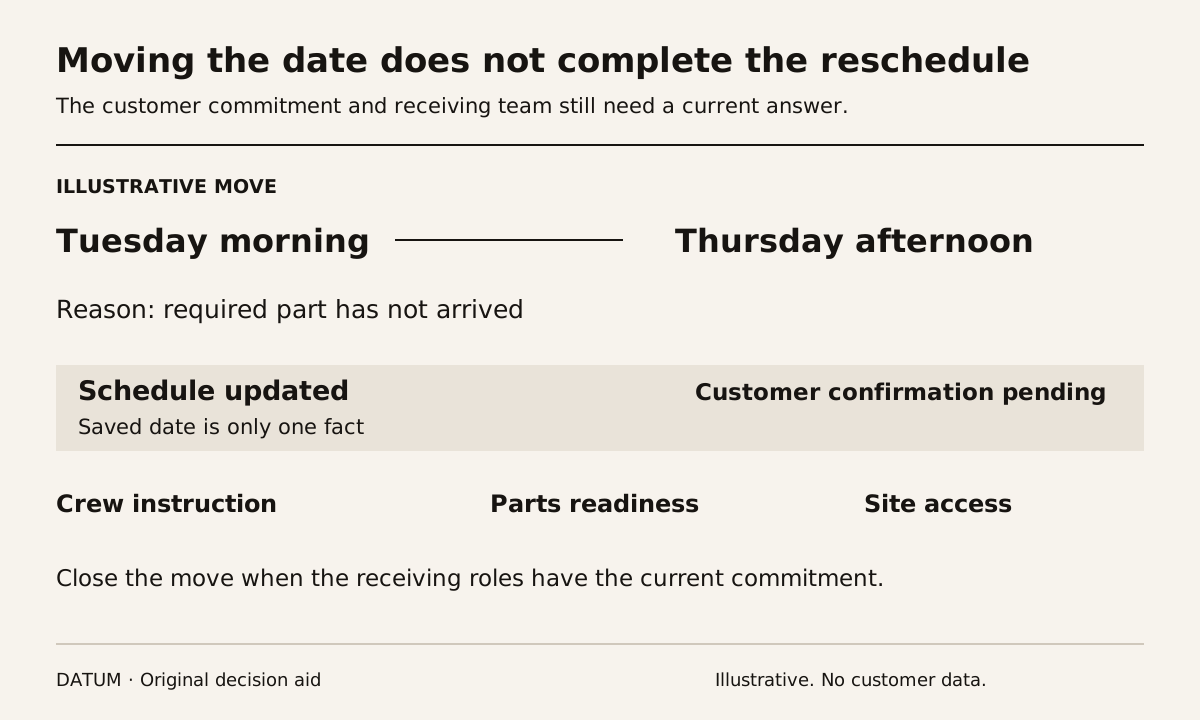
Rescheduling a service visit changes more than a calendar entry. Recheck the customer's agreed window, crew instructions, access, parts readiness and any linked follow-up. The office should be able to identify what changed and which people still need confirmation.
Start by distinguishing the requested time, the internally planned time and the customer-confirmed commitment. Those may coincide, but treating them as one field can hide a promise that the new schedule no longer meets.
Read the visit from three perspectives
Consider a fictional visit moved from Tuesday morning to Thursday afternoon because a required part has not arrived. The dispatcher can move the planned date immediately. The customer may still expect Tuesday, and the technician may still have the earlier instruction cached in an open work list.
Have each receiving role show the current record. Ask the dispatcher what is now planned, the customer-contact owner what was confirmed and the technician what they intend to do. A discrepancy between those answers is the rescheduling work still unfinished.
Odoo 19 Field Service's itinerary documentation says tasks are ordered by Planned Date and that a valid customer address is needed for the map. That makes the planned date and location useful checks after a move, but the documentation does not establish that a customer has accepted the revised commitment. Odoo 19 itinerary planning.
Use a change sheet with acknowledgment states
| Item affected | What the owner checks | Evidence that closes the item |
|---|---|---|
| Customer commitment | New window, access restrictions and any affected promise | Confirmed response or visible pending contact |
| Assigned crew | Correct technician, duration and current instructions | Intended user opens the revised work |
| Parts and equipment | Availability at the new time and correct location | Readiness check linked to this visit |
| Site access | Contact, keys, permissions or preparation needed | Current access arrangement |
| Related work | Follow-up, subcontractor or dependent visit | Named owner accepts the revised sequence |
| Billing context | Scope and approved extras remain attached | Same job and commercial references retained |
The sheet does not require every business to create a new approval for every calendar change. It identifies the facts that must remain true for that particular visit. Use an explicit pending state where acknowledgment has not arrived.
Keep the job identity stable through the move
If the visit is moved because of unfinished work, preserve its relationship to the original job and prior findings. Creating a fresh-looking task without that history can make the returning technician repeat an inspection or miss an already approved addition.
Use the approved-extra handoff when the rescheduled visit includes extra work. The new appointment should carry the current accepted scope and its unresolved conditions, not a copied message whose approval status is unclear.
Ask the office to explain why the visit moved. A reason such as “part unavailable” is useful when it points to the actual part and readiness owner. A general “rescheduled” label does not tell the next dispatcher what must change before another commitment is made.
Rehearse a move and then a reversal
Run the Tuesday-to-Thursday example in the proposed configuration, using the actual device and roles planned for daily work. Have the technician refresh or reopen the visit through the supported method and inspect the saved date, location and instruction.
Then suppose the part arrives earlier and the customer requests Wednesday. Repeat the acknowledgment process. Check whether the earlier Thursday instruction or message still appears current anywhere the team relies on.
These are acceptance tests to demonstrate, not claims of automatic synchronization or notification. Record manual steps and their owners. If the process requires a phone call, keep the outcome in the shared record rather than only in the caller's memory.
The device-readiness test helps check interruptions and readback. Do not assume that changing a server-side date instantly corrects every disconnected device.
Close the reschedule when the commitment is coherent
A move is complete when the planned work, customer understanding and crew instruction agree, or when an unresolved difference is visibly held with an owner. A sent message alone may not establish acknowledgment where the business needs it.
Review repeated rescheduling reasons over a defined period. If missing parts repeatedly cause moves, investigate readiness before committing time; if access is the issue, improve confirmation at booking. The record should help the team address the cause as well as move the visit.