Send the technician the job history
We connect the service request with the customer, site, previous visits, and agreed work so the technician can prepare before arriving.

Plumbing
Connect the customer request, technician visit, parts, and invoice so a finished repair does not become unfinished office work.
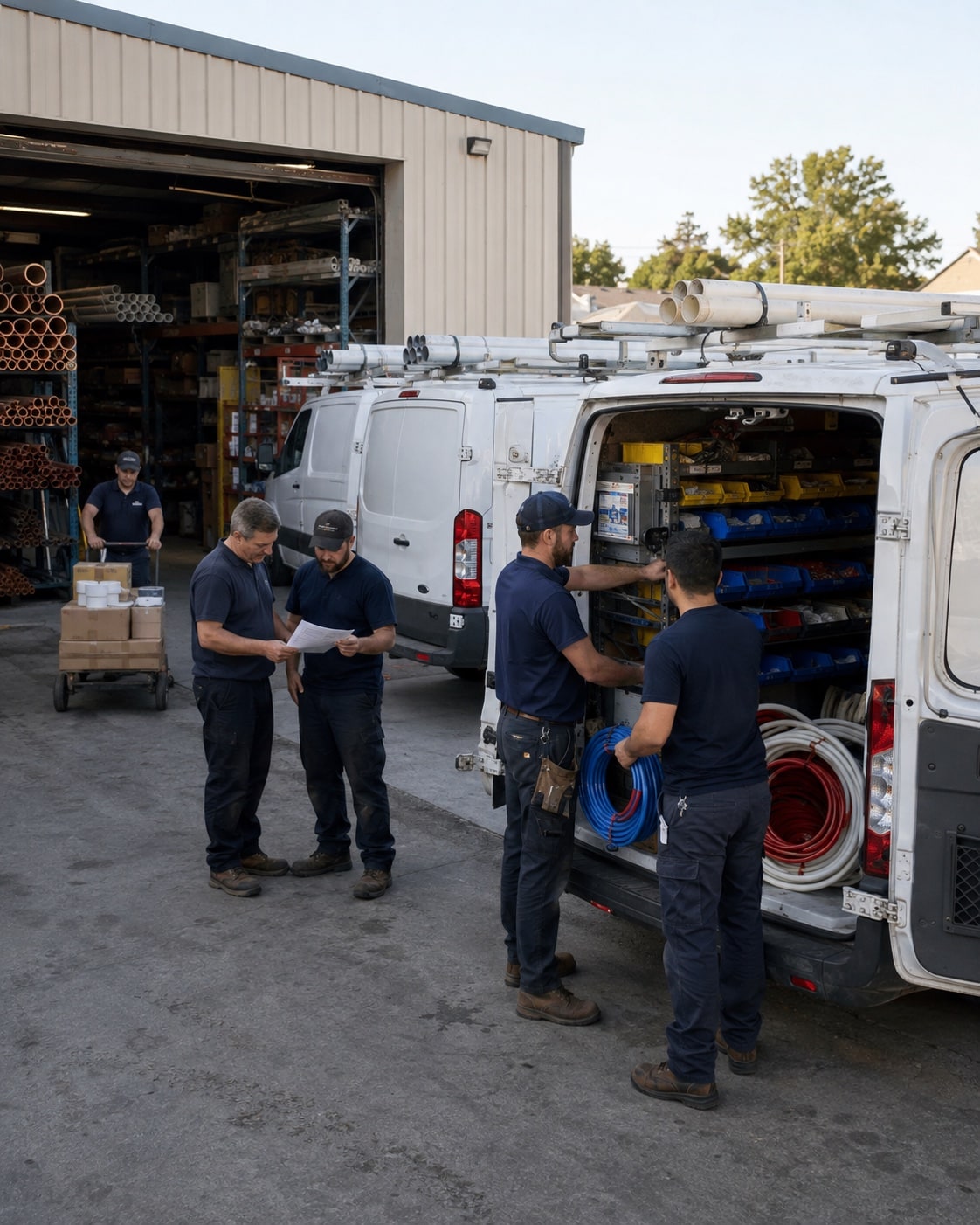
Give technicians the job history and parts they need. Bring their notes, time, and parts back to the office while the visit is still fresh.
We map this with your team, check the tools you already use, and test the change on real work.
We connect the service request with the customer, site, previous visits, and agreed work so the technician can prepare before arriving.
We agree how technicians record parts used and returned. The office can then check stock needs and include the right material in the job cost.
We set up a short closeout step for the work done, time, parts, and customer approval, then test how those details reach the invoice.
Once the process and records are ready, an agent can help your team prepare the next step.
See an agent at workWe use a real service visit to decide which details the office needs and remove duplicate entry where the tools allow it. Technicians test the closeout steps before launch. The aim is to record the work once where it happens.
We start by checking what each tool does well and how information moves between them. We then map the connections, manual checks, or software changes needed. We do not assume that every tool can share every detail.
We check what your sales, operations, and accounting tools can share before proposing a connection.







Answer three questions. Get a short checklist to help your team find where work gets held up.