Put the current scope in the crew’s hands
We connect the job with its approved scope, drawing revision, and site notes so the crew can find the information they are meant to work from.

Electrical
Connect estimates, drawings, material, field changes, and billing so everyone works from the latest job details.
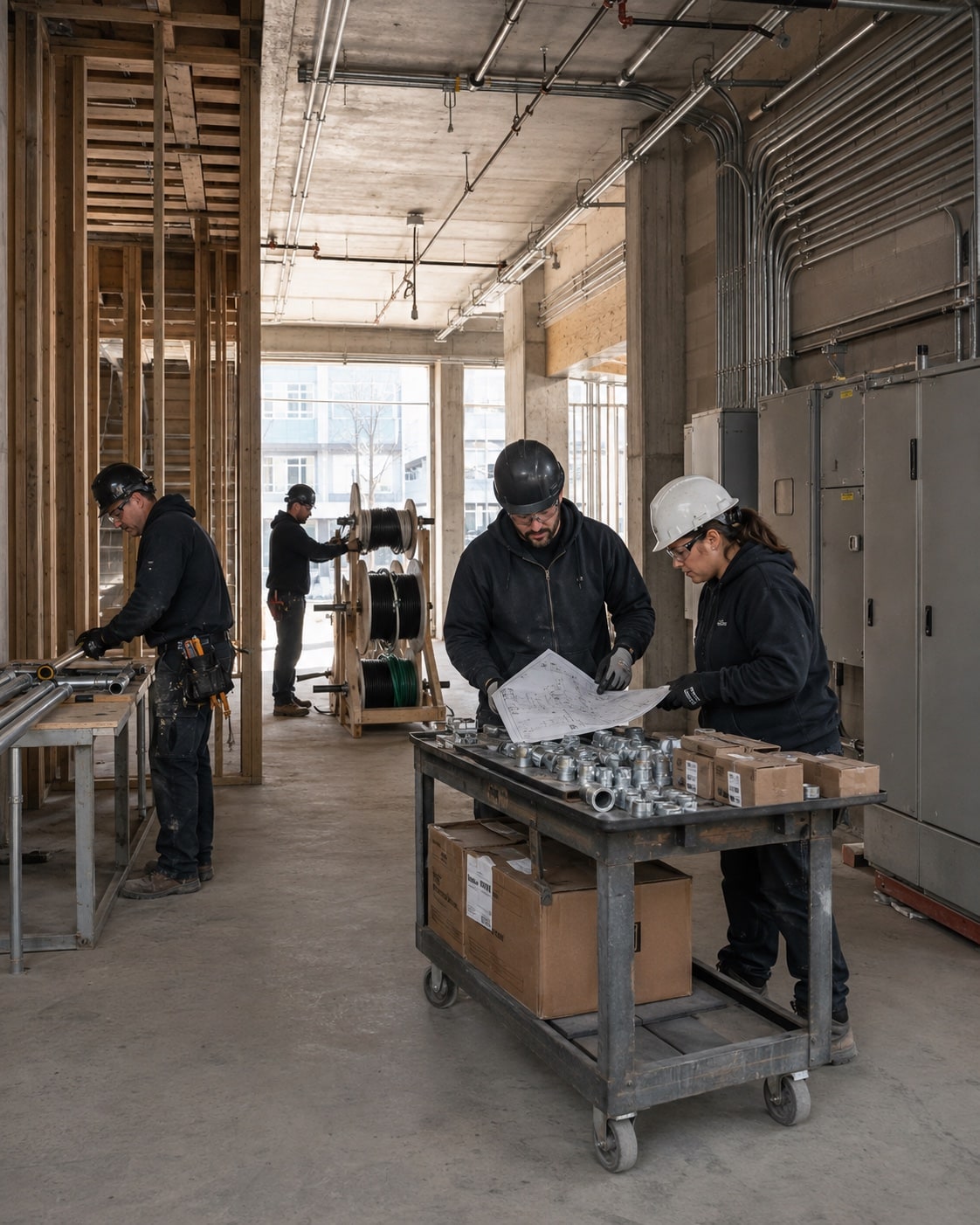
Give field changes a clear path back to the office. Record the approval, added material, and time before the job is closed.
We map this with your team, check the tools you already use, and test the change on real work.
We connect the job with its approved scope, drawing revision, and site notes so the crew can find the information they are meant to work from.
We define how the crew records a change, who reviews it, and how approved time and material reach the office for costing and billing.
We organize labor and material against the job’s work stages so the project manager can compare the estimate with what was actually recorded.
Once the process and records are ready, an agent can help your team prepare the next step.
See an agent at workWe start with one representative job and the handoffs that cause trouble. Your team reviews the proposed steps before configuration. Different project types can keep different approval and billing paths where the work calls for them.
We check where drawings are stored, how revisions are approved, and how crews access them. Then we connect the current revision to the job and agree how superseded information is handled. Your project team remains responsible for technical approval.
We check what your sales, operations, and accounting tools can share before proposing a connection.







Answer three questions. Get a short checklist to help your team find where work gets held up.