Give the crew the accepted scope
We connect the estimate to the job so measurements, material, access notes, and the promised date reach the people planning the work.

Roofing
Connect measurements, material orders, crews, and job costs so the office and field work from the same plan.
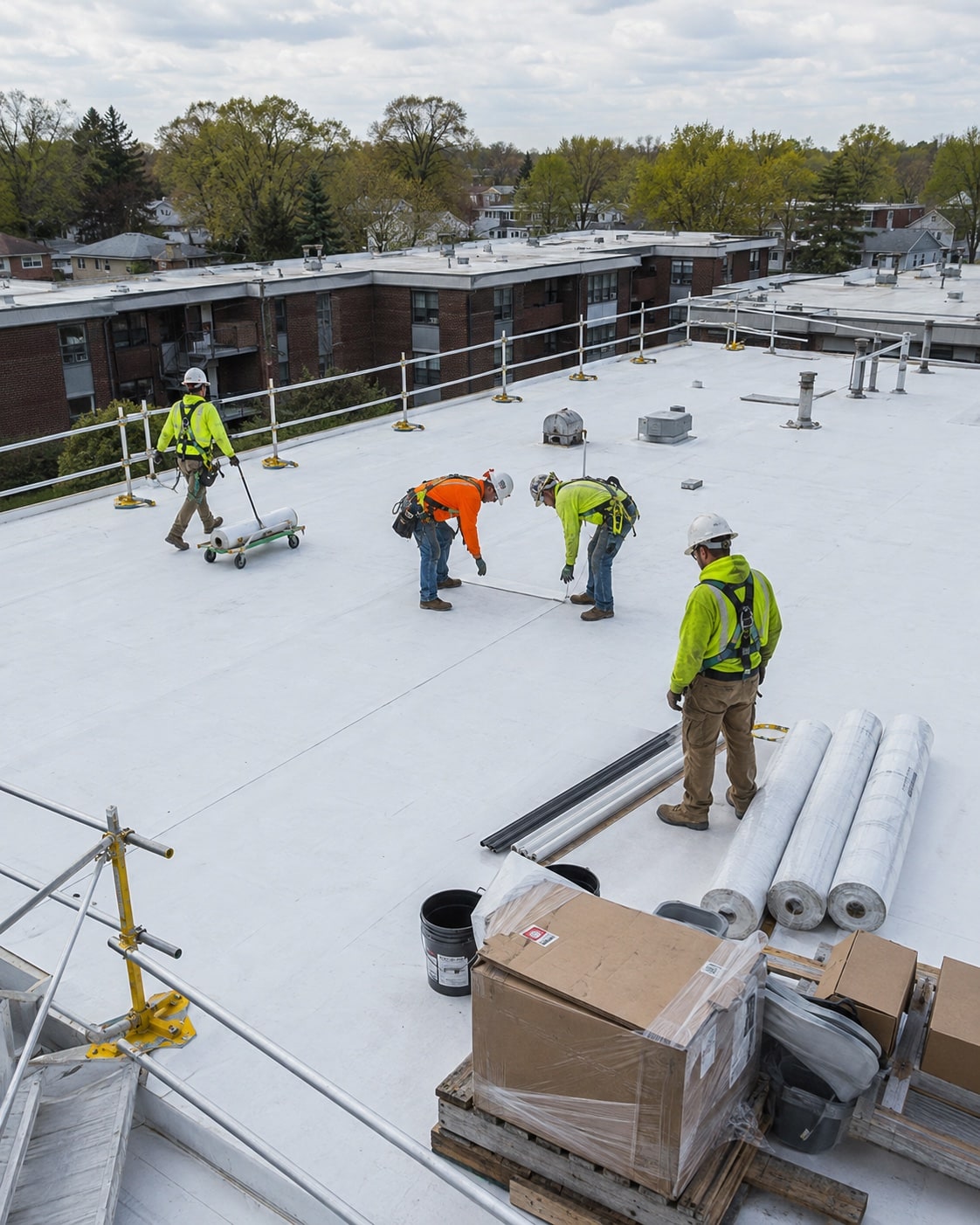
Carry the scope, measurements, material list, and promised date into the job. Make the next handoff clear before the crew leaves.
We map this with your team, check the tools you already use, and test the change on real work.
We connect the estimate to the job so measurements, material, access notes, and the promised date reach the people planning the work.
We set up a way to record extra work, its approval, and added time or material so the office can check what belongs on the invoice.
We bring recorded labor, material, and outside work alongside the estimate. The job owner can find missing costs and review the difference.
Once the process and records are ready, an agent can help your team prepare the next step.
See an agent at workWe check what it holds, what your team relies on, and what it can share with your other tools. Then we agree which connections or changes are worth making. A familiar tool does not need to go just because another system is being added.
We work through a real site change with a crew member and the office. Together we choose the notes, photos, time, and approval they need to record, then test that process in the tools they can use on the job.
We check what your sales, operations, and accounting tools can share before proposing a connection.








Answer three questions. Get a short checklist to help your team find where work gets held up.