Keep the history with each unit
We organize equipment details, previous visits, warranty information, and planned service so the next technician can find the history for the unit being serviced.

HVAC
Connect service agreements, equipment history, parts, and technician schedules so the next visit starts with the right information.
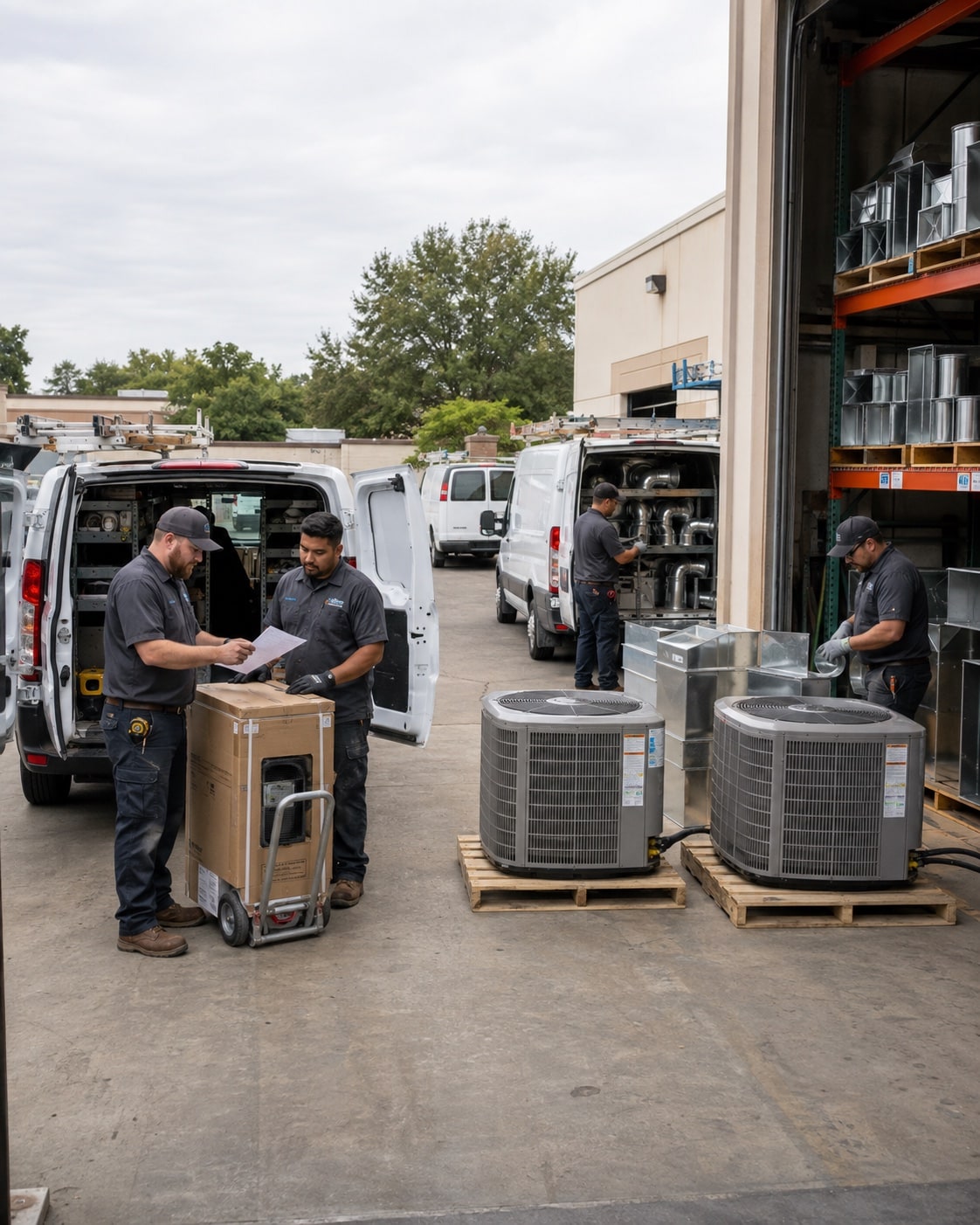
Keep the unit, service history, warranty, and planned work together. Bring installation and maintenance records into the next visit.
We map this with your team, check the tools you already use, and test the change on real work.
We organize equipment details, previous visits, warranty information, and planned service so the next technician can find the history for the unit being serviced.
We connect the accepted scope, equipment order, delivery status, and crew schedule so the office can confirm what is ready before assigning the work.
We set up the link between an agreement, its planned visits, completed work, and billing so the office can see what remains to be done.
Once the process and records are ready, an agent can help your team prepare the next step.
See an agent at workWe map the different steps first. A service visit needs equipment history and closeout notes; an installation also needs equipment purchasing and a work schedule. The setup can share customer records while keeping those workflows distinct.
We choose the information your team needs most and test it against a few real units. Then we agree how to fill the gaps, who checks the records, and how new visits keep them current. You do not need perfect history to identify a useful starting point.
We check what your sales, operations, and accounting tools can share before proposing a connection.







Answer three questions. Get a short checklist to help your team find where work gets held up.