
Odoo vs QuickBooks: compare the work around the books
Compare Odoo and QuickBooks Online using the same order, job and billing exception. Inspect plan limits, manual work, integrations and implementation scope.
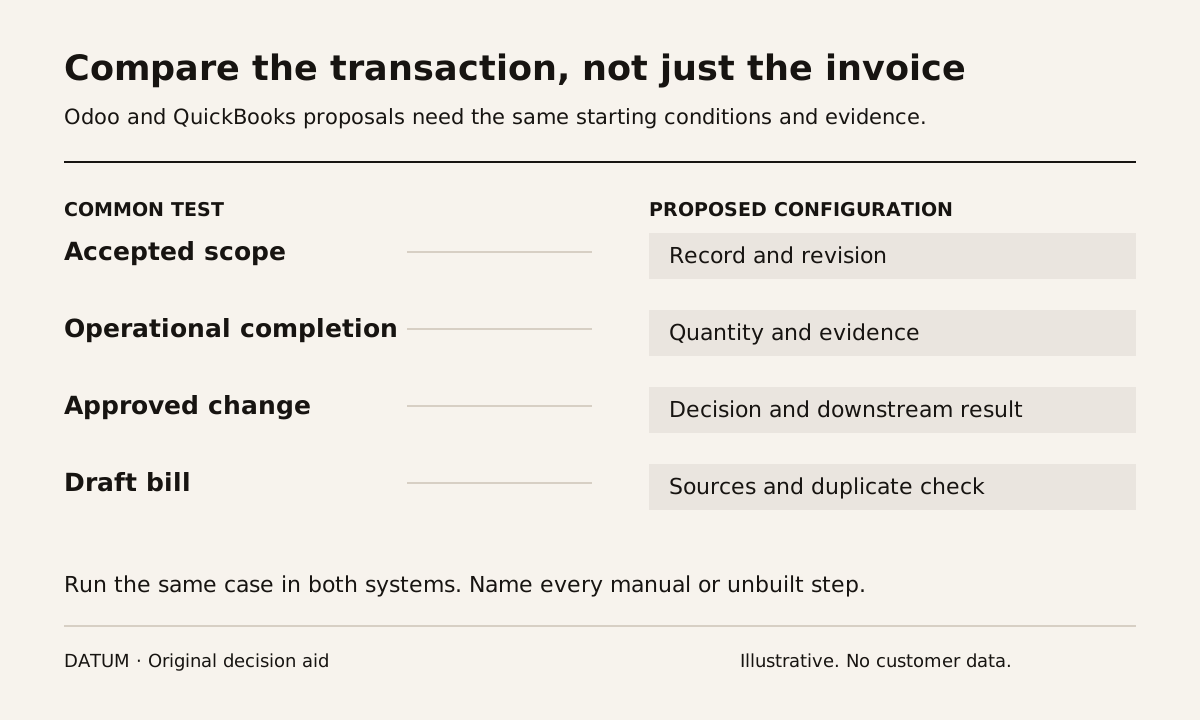
Compare Odoo and QuickBooks using the work that produces an invoice, not only the invoice screen. QuickBooks may meet the accounting need while other tools handle operations. Odoo may be worth evaluating when you want more of those operating records connected in one application set. The choice depends on the actual handoffs, the edition being purchased and the effort required to change them.
This comparison concerns QuickBooks Online's US offering and an Odoo implementation. It does not describe every QuickBooks product or country edition. The current US QuickBooks Online comparison lists accounting and invoicing, with inventory and project profitability among plan-dependent capabilities. A claim that QuickBooks simply cannot handle inventory would be inaccurate. QuickBooks Online US plans.
Odoo documents Accounting and Invoicing within its application set, while its pricing page separates plan and hosting choices. That creates options to evaluate, not proof that your complete workflow is already configured. Odoo Accounting and Odoo plans.
Start with a transaction that creates office work
Use a recent, permitted order or a fictional equivalent. Choose one with an exception that matters: a partial delivery, an extra service visit or a customer change after approval. A clean transaction can hide the work that motivates the purchase.
Write down the records you expect to exist before anyone presents a system. For a fictional equipment installer, these might include an accepted quote, a scheduled job, material consumption, evidence of completion and the bill. The point is to compare who maintains each record and how the next person receives it.
The one-job tracing exercise provides a way to collect those handoffs. If the problem is primarily lead follow-up, use the ERP versus CRM decision worksheet before widening the project to operations and accounting.
Use a common evidence sheet
Ask each proposed configuration to run the same case. Give the demonstrator the expected business result without prescribing the button sequence.
| Step | Evidence to inspect | Question for the proposed setup |
|---|---|---|
| Customer approves work | Accepted scope and revision | Where is the approved version kept? |
| Operations prepares | Job, order or task with needed details | Which fields are copied or re-entered? |
| Work changes | Approved extra or revised quantity | Who can change the commercial basis? |
| Work completes | Completion evidence and actual quantities | What tells billing that review can begin? |
| Office prepares the bill | Traceable draft and source records | How is an omitted or duplicate line found? |
| A correction is needed | Corrected record and linked explanation | Which connected records need attention? |
Record one of four implementation states for each step: available in the proposed configuration, requires configuration, requires an extension or integration, or remains manual. Ask for the exact product and plan behind the answer. Do not score an unbuilt integration as demonstrated functionality.
Compare the boundary between systems
Keeping a specialist operations tool alongside QuickBooks can be a reasonable design if the boundary is clear and the transfer is reliable. Test which system owns customer details, job status, invoice lines and subsequent corrections. A connection that successfully creates one invoice still needs an answer for a repeated transfer and an amended job.
Moving more work into Odoo changes a different set of responsibilities. The team may need to agree on common product records, workflow rules and user roles. Ask how those decisions will be made and tested, rather than treating a shared application menu as proof of a finished process.
For either design, have an operator explain a failed transfer or blocked step. Who notices it? Where does it wait? Who can retry it? What prevents a duplicate? These are acceptance questions for the proposed solution; this article does not assert the behavior of a particular connector.
Include the cost of the change
Compare subscription and service quotations against the same defined scope. Include data preparation, configuration, integrations, testing, training and support responsibilities. Keep internal staff work visible even when it is not invoiced by a supplier. The implementation cost worksheet separates these components without inventing a universal price.
Do not count every current application as removable. Confirm whether its required function has been demonstrated elsewhere and whether historical records remain accessible. Likewise, do not assume every existing process deserves to be recreated. A repeated workaround may be a candidate for redesign.
Have the person responsible for your books assess the accounting and local requirements of the shortlisted setup. This operational comparison does not establish tax suitability or decide accounting policy.
The decision record should say which workflow was tested, which configuration was used, what remains manual and who owns the unfinished work. Retaining QuickBooks, connecting another tool or adopting Odoo can each be defensible. The useful answer is the one supported by the records and exceptions your team actually handled during the comparison.