
Define a completed field job before closing it
Give the office clear completion evidence while unfinished work stays visible. Test the difference between a finished visit, a saved worksheet and a closed job.
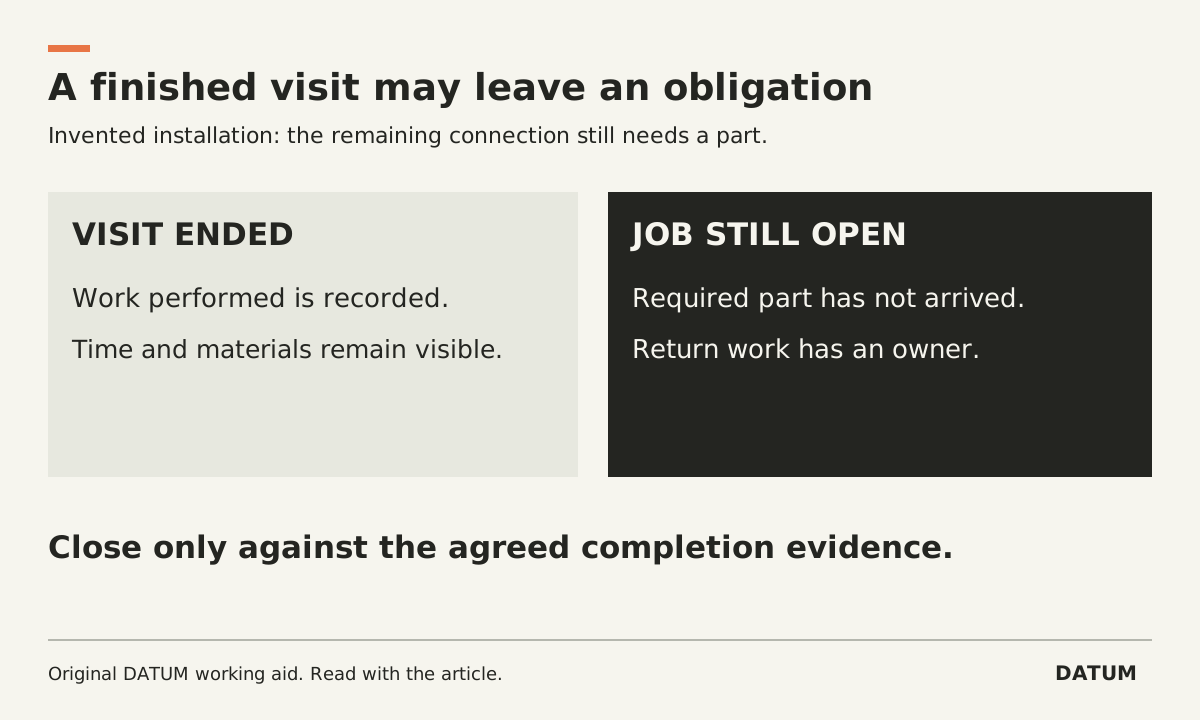
Define a completed field job in terms of the authorized work and its evidence, then decide which exceptions can remain open. “The technician left” is a useful event. It is not enough to tell the office that every promised task is finished.
A completion rule should let a second person distinguish finished work, an interrupted visit and a job that needs a return. Build it around a specific service type before applying one checklist across every crew.
Separate the visit from the obligation
Consider an invented installation job with two visits. On the first visit, the crew installs the available equipment but cannot finish a connection because a required part is missing. Time and materials must still be recorded. The remaining work needs an owner and date. Calling the whole job complete would hide that obligation.
Use a completion record with these fields:
| Question | Evidence to leave | Who checks it? |
|---|---|---|
| What work was authorized? | Current accepted scope and approved changes | Office or service manager |
| Which parts were performed? | Completed tasks, quantities and relevant observations | Technician, then reviewing role |
| What proves the required result? | Service-specific measurements, photos or test record | Person qualified for that service |
| What was used or returned? | Material and time record with the correct job reference | Technician and inventory owner |
| What remains? | Unfinished task, reason, next action and owner | Dispatcher or service manager |
| What may the office do next? | Close, schedule follow-up or hold for clarification | Authorized reviewer |
Choose required evidence that answers a real question. Requiring a photo of every field may increase entry work without proving the result. Conversely, a single free-text “done” field may leave the important facts unavailable. Let the service owner explain what each required item establishes.
Do not inherit a completion rule from a button label
Odoo 19.0 states that saving a Field Service worksheet changes its label to Worksheet Complete even if optional fields are blank. Fields marked required must be filled before saving. The software label therefore needs to be interpreted against the job's actual completion requirements. Odoo 19.0 worksheets.
The task's done state can also have a material effect. Odoo's Field Service product documentation says stock in the user's default warehouse is updated when the task is marked done. Rehearse that behavior alongside the proposed closure rule, especially when a visit ends with materials still on the truck or work awaiting a return. Odoo 19.0 product management.
Those documented behaviors do not prescribe your status design. Have the implementation team show how the chosen tasks, visits and completion records represent the unfinished installation without losing the first visit's work.
Give incomplete evidence a route back
The office should be able to return a completion packet with a precise reason: “Confirm the installed quantity against this line,” or “The return visit has no assigned owner.” Avoid a general rejection that forces the technician to guess what is missing.
Keep the original entry and the correction identifiable. If the job was marked complete too soon, review the affected stock, billing and schedule records instead of merely changing the visible label.
Test three records in a non-production environment: fully completed work, an interrupted visit and completed work with missing evidence. Ask an office user who did not attend the visit to classify each one. Then ask the dispatcher to find all remaining work without opening every closed task.
Acceptance means the reviewer can explain what is complete and the dispatcher can still find what is owed. Use the field change-approval card when the remaining issue is an unapproved extra. Use the invoice supporting record when the question is what the completed work permits the office to bill.