
Keeping QuickBooks with Odoo: Give every shared record one owner
Define record ownership before connecting Odoo and QuickBooks. Use a map for customers, invoices, payments, corrections and duplicate recovery tests.
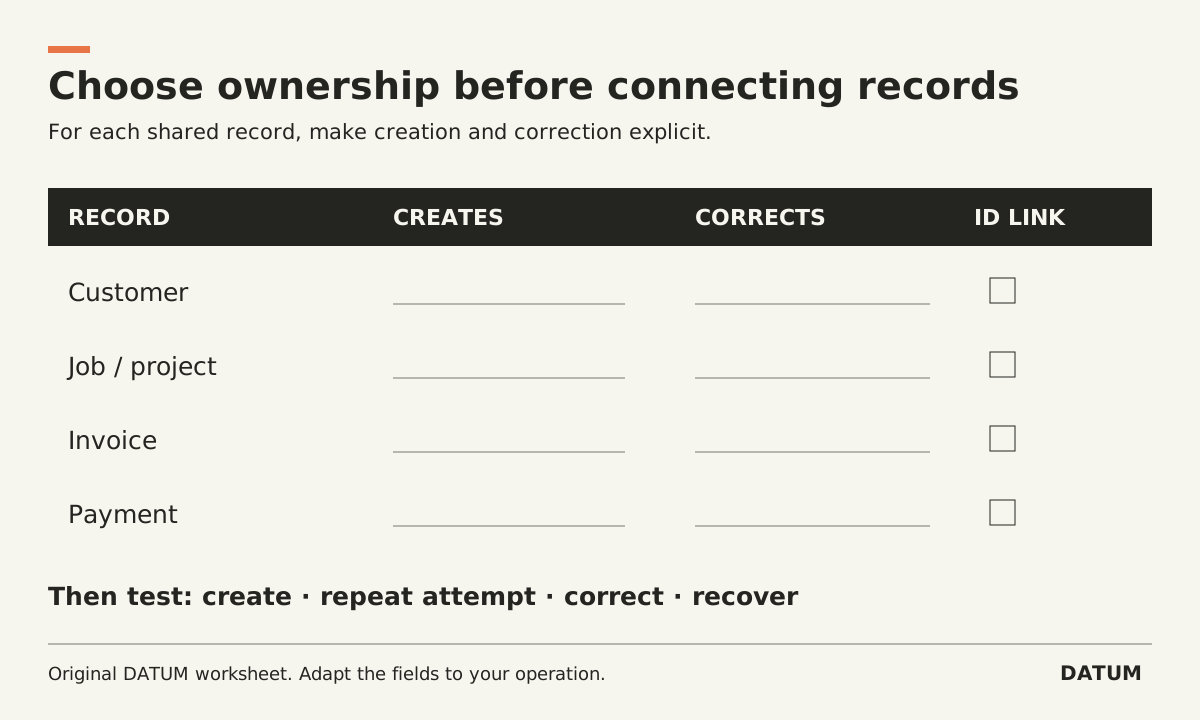
Keeping QuickBooks alongside Odoo requires a record-ownership decision before a connector decision. For each shared record, name where it is created, which system may change it, what crosses the connection and who reconciles failures. Avoid a design in which both systems independently create the same financial event.
This article does not endorse a particular connector or claim that a standard Odoo-to-QuickBooks connection has been tested. It gives finance and the implementation team a map to require from any proposed integration.
Decide which record is authoritative
An operating job, a draft invoice and a posted financial record can have different owners. Specify the boundary at the level of the event, not simply “Odoo owns operations, QuickBooks owns finance.” That slogan leaves unanswered who can change a customer, issue a correction or report a payment.
Odoo 19.0 documents external API access and the JSON-2 interface, with access subject to the relevant plan and user permissions. API availability makes an integration possible to investigate; it does not prove a connector's coverage, recovery behavior or accounting correctness. Odoo 19.0 external API
Confirm the exact Odoo Enterprise release, hosting and plan and the QuickBooks country edition and subscription. Treat an Online SaaS release, a desktop QuickBooks product and QuickBooks Online as distinct configurations.
Fill an ownership map before approving the flow
The entries below are decisions to make. They intentionally do not assign one universal answer to either system.
| Record or event | Creation authority | Change authority | Transfer and reconciliation rule |
|---|---|---|---|
| Customer identity | Choose one source or a controlled creation rule | Name the owner of shared fields | Preserve both IDs and define duplicate handling |
| Operating job or project | Name the operating owner | Define phase and extra-work changes | Map to the intended financial project where required |
| Invoice draft | Name the permitted origin | Define who reviews lines and evidence | State the exact event that allows transfer |
| Final invoice record | Name the financial authority | Define correction procedure | Preserve originating and destination references |
| Payment information | Name the authoritative event source | Define reversal/correction responsibility | Prove it is not recorded twice |
| Credits or cancellations | Define the authorized origin | Name the accounting owner | Test the matching downstream result |
QuickBooks Online's US Projects guide describes assigning income and costs to projects in Plus and Advanced. If job reporting is part of the design, include the project mapping explicitly. A transferred transaction that lands under the customer without the intended project may not answer the job-reporting question you wanted to solve. Intuit Projects documentation
Make a repeat attempt harmless
Ask the integration provider to demonstrate an interrupted transfer. The receiving system may have saved the record even if the sender did not receive a success response. A retry must first establish whether the intended record already exists.
Require a durable link between the source record, destination record and transfer attempt. The implementation may use an API-supported mechanism or another carefully designed method. Judge it by the demonstrated outcome, not by the presence of the word “idempotent” in a proposal.
Use an invented draft invoice in a test environment. Submit it, interrupt acknowledgment under controlled conditions, and retry the same logical transfer. The expected result is one intended destination record with a traceable outcome. These are acceptance criteria, not a claim about a connector's current behavior.
Test a change after the first successful transfer
Create one customer correction and one transaction correction using rules the finance owner has approved. Check whether the correct destination record changes, whether the historical explanation remains available and whether an unauthorized edit is blocked.
Also test an unmapped project or item. The desirable behavior may be an explicit exception for review, rather than automatically creating a plausible new record. Decide that policy before the demo.
Keep these test results separate: initial creation, repeat attempt, correction and recovery. Passing one does not establish the others. The ERP acceptance-test card provides a way to capture starting state, expected result and evidence for each case.
Assign the daily exception queue
Someone needs to see failed or incomplete transfers and know which system contains the authoritative answer. Record the owner, backup, review cadence and evidence needed to close an exception. Include a reconciliation of counts and amounts on a consistent basis, with any timing difference explained.
Proceed with a connector only when this map and a small test packet make its responsibilities concrete. If ownership remains ambiguous, adding automation will not settle it; the connection will merely move the ambiguity between systems faster.