
Review the chart of accounts before mapping balances
Map legacy accounts into Odoo by purpose and reporting behavior. Use a finance-owned mapping sheet and test the resulting transactions before cutover.
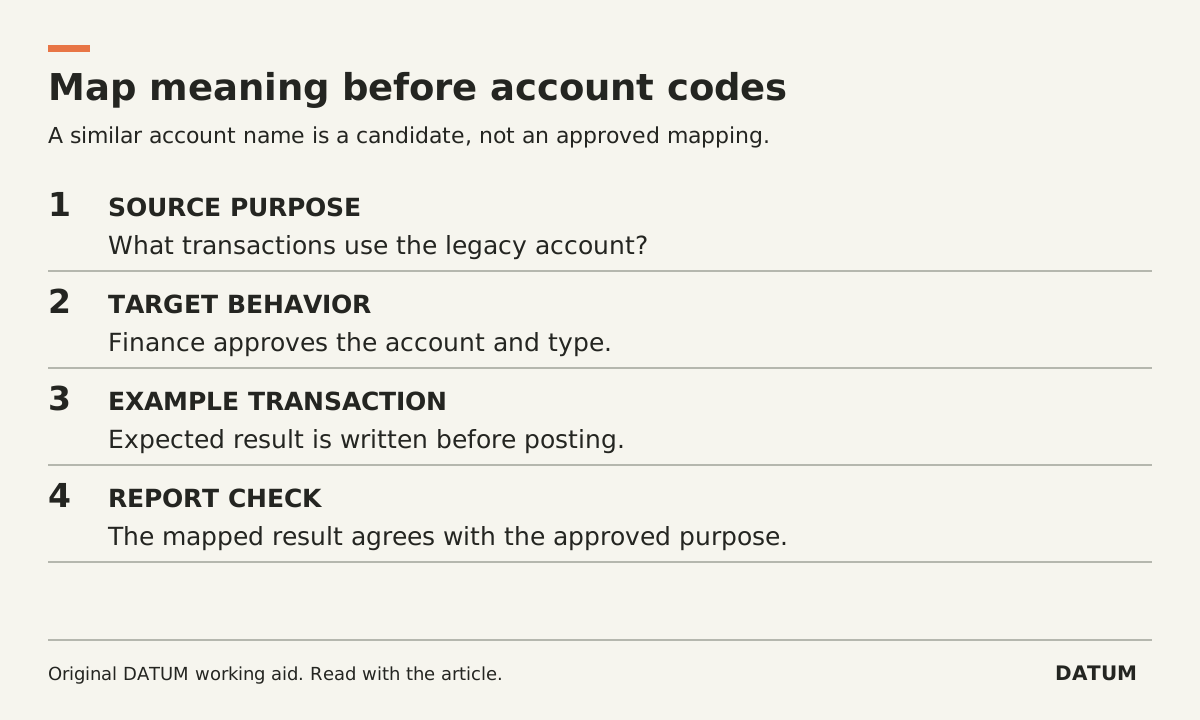
Review the chart of accounts by purpose and reporting behavior before mapping legacy account codes into Odoo. A similar account name is a candidate match, not enough evidence to approve the mapping.
Have the finance owner decide the target structure and the treatment of balances. The implementation team's job is to preserve that decision in a testable mapping, identify exceptions and show the resulting reports. This worksheet does not prescribe accounting classifications.
Establish the target before translating the source
Odoo 19.0 documents that the selected country determines the default fiscal localization and its standard chart of accounts. The chart can be adapted to the company. Account Type affects reporting and other accounting behavior, including fiscal-year closing and opening entries. It is therefore more than a label for sorting the list. Odoo 19.0 chart of accounts.
Confirm the company and localization with the finance owner before posting test or live entries in the intended database. Odoo's localization guidance states that selecting another package is only possible when no entry has been posted, and that the packages still require configuration. An installed country package is the start of the review, not evidence that every transaction is correct. Odoo 19.0 fiscal localizations.
Do the trial in a disposable environment so the team can correct a wrong starting choice without improvising in the live ledger.
Use a mapping that records the reason
| Mapping field | What the finance owner should establish |
|---|---|
| Source identity | Legacy account code, name and company |
| Source purpose | What transactions actually use it |
| Target identity | Odoo account code, name and company |
| Target behavior | Approved account type and reporting treatment |
| Mapping rule | One-to-one, approved consolidation or reviewed split |
| Supporting example | A real permitted or synthetic transaction showing the intended use |
| Exception | Ambiguous, obsolete or mixed-use account needing a decision |
| Acceptance | Owner, mapping version and reviewed result |
Do not use the same fallback account for every unknown merely to finish the import. That converts visible mapping questions into harder-to-find posting problems.
A fictional example illustrates the issue. Two legacy accounts both contain “Service” in their names. One records ordinary service revenue; the other is used for a different purpose the accountant identifies during review. Matching on the word alone would merge unlike activity. Inspect actual use and let the finance owner assign the targets.
The reverse problem also occurs in the mapping design: several source accounts may legitimately consolidate into one target. Record that decision explicitly so a later reviewer does not interpret the reduction in account count as missing data. A split requires an approved allocation rule; a spreadsheet cannot infer the right division from an account title.
Check the result in transactions and reports
For each materially different mapping rule, run an approved example through the rehearsal. Compare the expected account, report placement and relevant reconciliation behavior with the actual result. Have the finance owner define the expected outcome before the implementation team posts the test.
Then compare source and target control reports on the same date and basis. Keep the mapping version with the reports. If someone changes a target account or rule, repeat the affected examples and controls; an old reconciliation does not validate a new mapping.
Use the open-item cutover worksheet for the invoices, bills, payments and credits behind receivable or payable balances. Account mapping and open-item reconciliation answer related but different questions.
Finish with a list of accepted mappings and unresolved exceptions. Give each exception a reason and a finance owner. The useful completion evidence is a mapping whose effect can be explained, not a file with no empty cells.