
Jobber vs QuickBooks: Decide which work belongs in each system
Map field-service work and financial records before choosing Jobber, QuickBooks or a connection. Includes a responsibility sheet and sync verification test.
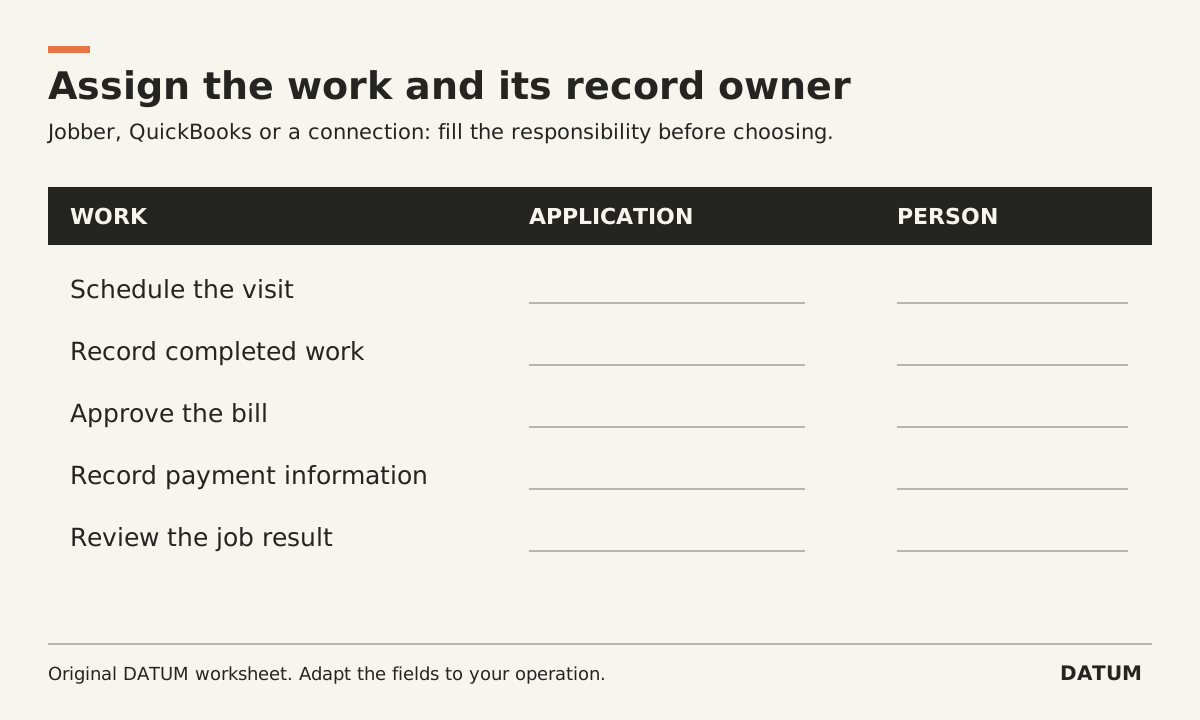
Jobber and QuickBooks can address different parts of a service business, so the useful question is which work each system should own. Map scheduling, field records, invoicing and financial reporting before deciding whether you need one product, both, or another setup.
Jobber documents visits as part of its job and scheduling workflow. QuickBooks Online's US Projects documentation describes tracking assigned project income and costs in Plus and Advanced. Those are distinct capabilities to evaluate, not proof that either product alone meets every requirement. Jobber visits, Intuit Projects
Write the job your office needs to finish
Take a permitted recent service job. Identify who schedules the visit, who records the work, who prepares the bill and who checks the financial result. Record the information each person receives and leaves behind.
Do not begin by deciding that two applications must display every field. A technician may need job instructions and completion evidence without needing the accounting workspace. The accounting owner may need a correct financial record and supporting reference without copying every field note into it.
Use the following sheet to assign responsibility in the proposed setup. The owner column is a decision to fill, not a universal recommendation.
| Business work | Evidence required | Application and person responsible |
|---|---|---|
| Schedule a visit | Date, assignment and current job instructions | Fill during evaluation |
| Record completed work | Actual work, materials/time where needed, unresolved items | Fill during evaluation |
| Prepare an invoice | Authorized scope and billing basis | Fill during evaluation |
| Send and correct the invoice | One approved customer document and correction trail | Fill during evaluation |
| Record a payment | Authoritative transaction and matching invoice | Fill during evaluation |
| Review the job result | Consistent income/cost coverage and cutoff | Fill during evaluation |
| Reconcile an exception | Source, destination and responsible owner | Fill during evaluation |
Watch for overlapping ownership. If both applications can create an invoice, that does not mean both should independently create the same invoice for the same work.
Identify which integration the account actually has
Jobber's current help article distinguishes its new QuickBooks Online integration from the legacy connection and says the new version is being rolled out to selected accounts. It also specifies plan and geographic availability. Its documented settings let users choose when certain record types first sync. Do not apply those instructions to an account merely because it displays a QuickBooks logo. Jobber's new QuickBooks integration
Record the actual integration version, Jobber plan, QuickBooks product and country edition. Ask the provider to identify the documentation that matches that account. This comparison concerns QuickBooks Online; it does not establish behavior for a QuickBooks Desktop connection.
A useful implementation note says, for example, “the configured invoice trigger is X, and this record proves it.” “Invoices sync” leaves the office guessing about timing and ownership.
Run a small record-transfer test
Use a safe test setup that avoids sending real bills or recording real payments. Prepare a customer, an operating job and a draft invoice with distinctive references. Ask the demonstrator to perform the agreed trigger and show the destination record.
Then run three variations:
- Repeat the same intended transfer and check that it does not create a second financial event.
- Correct a permitted field using the designated source and inspect the destination.
- Create a controlled missing-mapping or failed-transfer case and show where the office sees the problem.
These are proposed acceptance tests, not reports of Jobber or QuickBooks behavior. The integration provider must explain how to run them in the supported environment.
Include a project-reporting check if the business needs job costs in QuickBooks. A successful invoice transfer does not by itself establish that all relevant costs are assigned to the same job. Inspect that requirement separately with the financial owner.
Choose based on the unresolved work
If your main gap is crew scheduling and office handoff, demonstrate those tasks directly. If the gap is incomplete job-cost reporting, inspect the source transactions and assignments before assuming another scheduling application will fix it. If both gaps exist, include the connection and its ongoing owner in the scope.
Use the five-job ERP selection packet to broaden the test when one ordinary job is insufficient. Keep the resulting comparison tied to the work your people must perform, the evidence they need and the exceptions someone will maintain. That is a more useful basis for a decision than treating overlapping invoice screens as identical products.