
Test accounting localization against approved transactions
Build a finance-owned acceptance pack for Odoo localization. Compare approved transaction expectations with actual accounts, documents and reports.
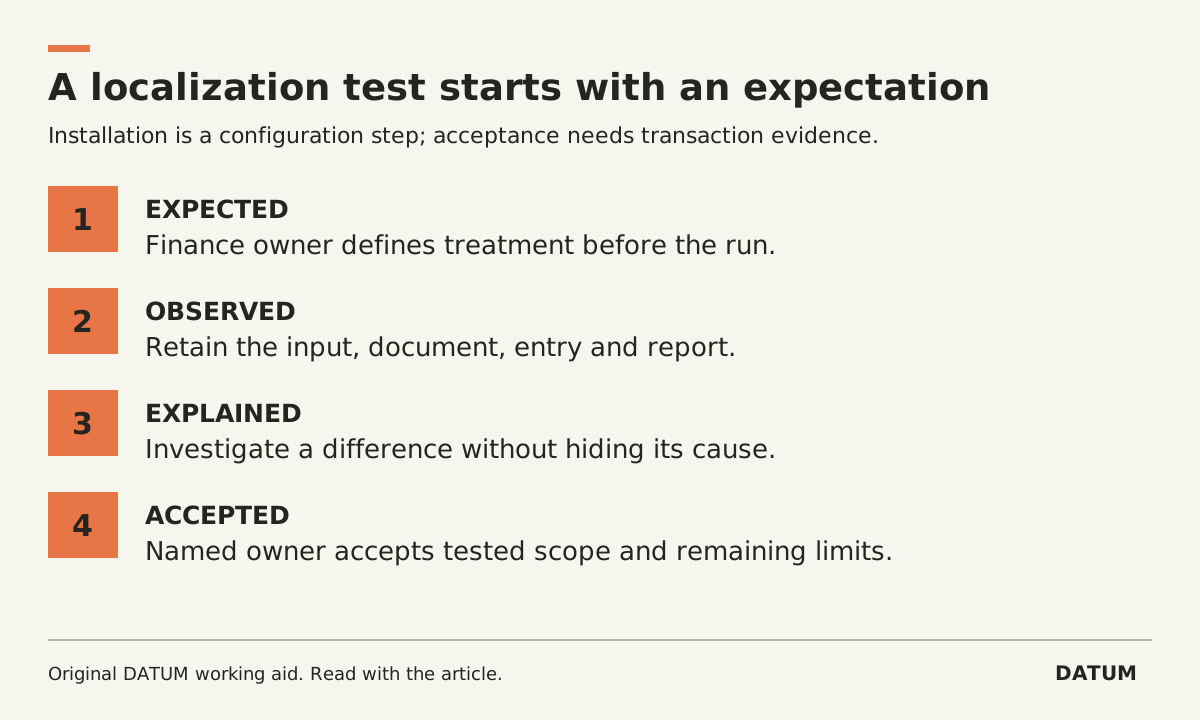
Test accounting localization with transactions whose expected results the finance owner has approved in advance. Installing the country package is a configuration step. Acceptance requires evidence that the business's actual transaction types produce the intended accounting and reporting results.
The implementation team should execute the tests and preserve the results. The responsible accountant or tax adviser determines the treatment being tested. This guide does not supply tax rates, decide exemptions or establish filing obligations.
Make the expected result independent of the software
Start with the company, jurisdiction, relevant transaction date, product or service, customer or supplier situation and reporting requirement. Ask the finance owner which cases materially differ for the business. Do not select a large number of easy transactions while omitting the exception that changes the treatment.
Use permitted historical examples or fictional records with approved expectations. Keep customer and supplier data within the authorized test environment.
| Test case to consider | Finance owner supplies | Implementer demonstrates |
|---|---|---|
| Ordinary domestic sale | Expected account, tax treatment and document result | Draft, posting and report result match the approved expectation |
| Customer with different treatment | Evidence and conditions supporting that treatment | Correct result when conditions apply and when they do not |
| Credit or reversal | Required relationship to the original transaction | Correction remains traceable and appears in the intended period |
| Supplier bill | Approved account, tax and payment-related expectations | Entry and relevant reports reflect those decisions |
| Date boundary | Correct treatment before and after the chosen cutoff | Transaction date and report filters produce the expected result |
| Foreign-currency case, if relevant | Approved currency and rate basis | Amounts and reporting reconcile on that basis |
These are categories to assess, not a claim that every company needs every row. Add the actual cases your qualified reviewer identifies, including combinations of conditions that a single-field test would miss.
Confirm the starting configuration before posting
Odoo 19.0's localization documentation says the company country drives the core package selection, that packages still need configuration and that switching the package is only possible before entries have been posted. Confirm the package in a disposable rehearsal environment before using posting tests to validate it. Odoo 19.0 fiscal localizations.
The chart-of-accounts documentation also explains that account Type affects reporting and other accounting behavior. A correct-looking transaction total is not enough if the account is classified incorrectly. Review the target accounts as part of the test setup. Odoo 19.0 chart of accounts.
Use the account-mapping worksheet to retain those decisions. Freeze the tested configuration version with the evidence so another person can reproduce the result.
Follow one transaction into the report
For each case, keep the approved expectation, input record, resulting document, journal evidence and relevant report. Record the report date, basis, filters and currency. Compare like with like rather than using whichever screen total happens to agree.
If the result differs, classify the issue before changing settings. The expectation may be wrong, the input may be incomplete, or the configuration may not represent the approved rule. Ask the finance owner to resolve treatment questions; ask the implementation team to resolve configuration behavior. Keep that distinction in the defect record.
After a correction, rerun the failed case and the neighboring case that should remain unchanged. For example, a change intended for one customer situation should not silently alter ordinary sales.
Do not turn a small passing test pack into a claim of universal compliance. Record which conditions were evaluated and which remain outside scope. Acceptance means the named finance owner can explain the selected results and the unresolved limits. Put that acceptance beside the wider ERP user acceptance tests, with an owner for future configuration changes.