
Odoo vs Acumatica: Compare the same manufacturing order
Compare Odoo and Acumatica with one manufacturing order, a shortage, partial completion and a revision change. Use a documented demo scorecard.
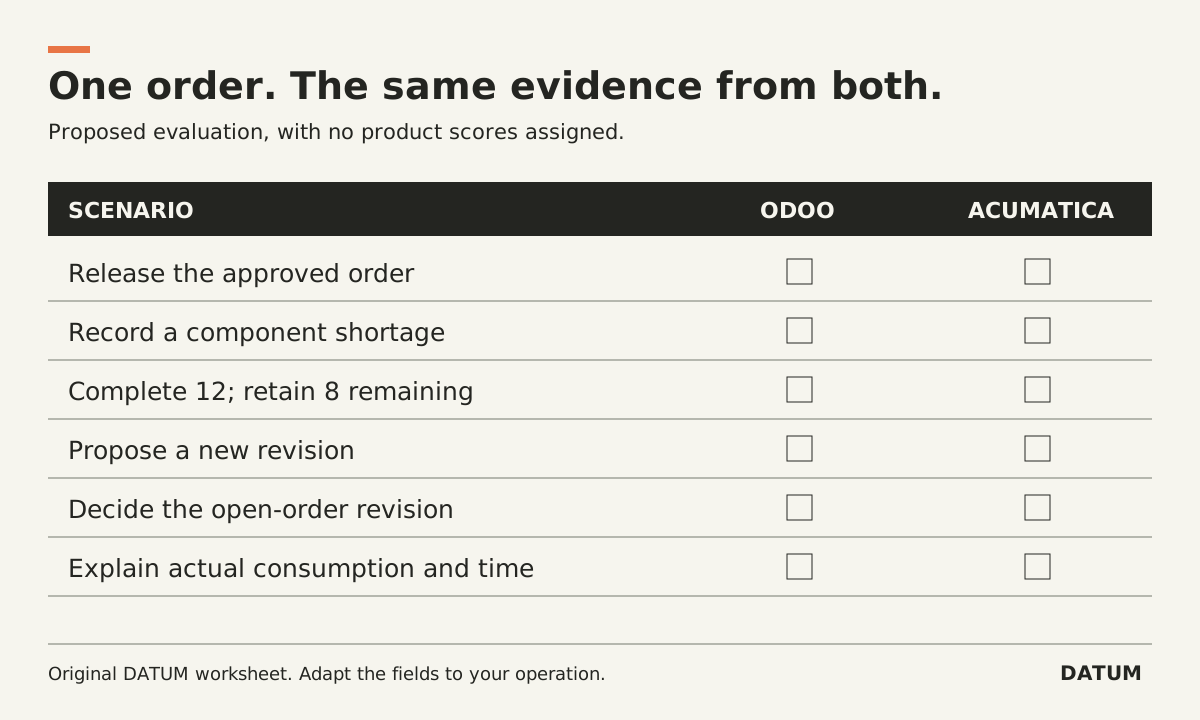
Compare Odoo and Acumatica by asking each team to process the same manufacturing order and its exceptions. Record the configuration, evidence and remaining work. Public product pages can identify capabilities worth testing; they cannot determine which implementation will fit your plant.
The test below concerns discrete manufacturing. A process, regulated or highly automated operation should replace its scenarios with the controls that matter in that environment. This article does not rank either product or claim hands-on results.
Establish what is actually being offered
For Odoo, this article uses the 19.0 documentation as a reference. Ask the provider to identify the Enterprise applications, hosting, version and any custom modules in the proposed setup. Do not assume an Online SaaS release has the identical interface or behavior as the 19.0 documentation.
For Acumatica, the cited pages describe Manufacturing Edition capabilities. Ask for the exact release, applications and extensions in the proposed environment. A feature documented for an optional application belongs in the scope and cost discussion, not in an unqualified “included” column.
Start with a factual record, rather than a verdict:
| Area | Odoo primary reference | Acumatica primary reference |
|---|---|---|
| Product structure | 19.0 BOM documentation covers components, quantities and operations | BOM/Routing page covers product and process definitions and multilevel structures |
| Partial production | 19.0 documentation describes a manufacturing backorder for the remainder | Ask the production demonstrator to show the proposed partial-completion method |
| Revision governance | Confirm PLM and the intended approval configuration | BOM/Routing page identifies optional Engineering Change Control |
| Production and costs | Demonstrate the installed Manufacturing workflow | Production Management page describes production orders, WIP and job costs |
These are pointers for a demonstration. A question in one column does not mean that product lacks a capability. Odoo BOM documentation, Odoo manufacturing backorders, Acumatica BOM/Routing, Acumatica Production Management
Give both teams the same order packet
Use sanitized records you are entitled to share. Include the finished item, approved BOM and drawing, operations, available inventory, demand quantity and acceptance criteria. Supply the same business rules to both teams before the demonstration.
Here is an invented packet you can adapt: make 20 assemblies, each requiring two plates and four fasteners. One component delivery arrives late. Production completes 12 assemblies first, leaving eight to finish later. Engineering then proposes a revised component for future work while the original order is still open.
The expected gross material requirement is 40 plates and 80 fasteners. The first 12 assemblies account for 24 plates and 48 fasteners under the simplified no-loss assumption. The remaining eight account for 16 plates and 32 fasteners. These figures help catch a mapping error; they do not specify the correct inventory or costing configuration.
Run the order, then introduce the exceptions
Ask an ordinary production role to perform the work. Keep a separate observer responsible for recording evidence. Stop after each exception long enough to inspect what purchasing, production and the office now see.
| Scenario | Evidence required from each candidate | Decision it informs |
|---|---|---|
| Release the order | Item, revision, quantities and instructions | Can production identify the intended work? |
| Record the late component | Supply status and affected work | Can the planner explain what must wait? |
| Complete 12 of 20 | Finished quantity and visible remainder | Does partial work remain traceable? |
| Propose a revision | Original and proposed definitions | Is approval separated from use? |
| Resolve the open-order revision | Recorded disposition for the eight remaining units | Can engineering and production agree on what happens next? |
| Review actual consumption and time | Source entries and cost view | Can the team explain differences from the plan? |
Do not prescribe the same number of clicks or identical screen design. Different workflows can satisfy the same control. Judge whether the evidence is correct, accessible to the responsible role and practical to maintain.
Keep unknowns visible in the comparison
Use four result states: demonstrated, needs configuration, requires additional work or product, and unresolved. Add an evidence reference, owner and next test to each row. Do not give an unresolved requirement half-credit merely to produce a total score.
Then separate the operating decision from the delivery decision. A successful demonstration establishes that a scenario can work in the shown environment. It does not establish the migration effort, staff availability, support response, upgrade work or total ownership cost for your business. Ask both providers to account for those items on the same basis.
If you cannot yet assemble the order packet, trace an existing order first. That gives both vendors a concrete problem to answer and gives your team a record it can use to challenge the answer.