
Test where inbound Odoo emails become records
Verify new messages, replies, attachments and old reply addresses in Odoo. Use a message-to-record log before staff depend on the incoming email flow.
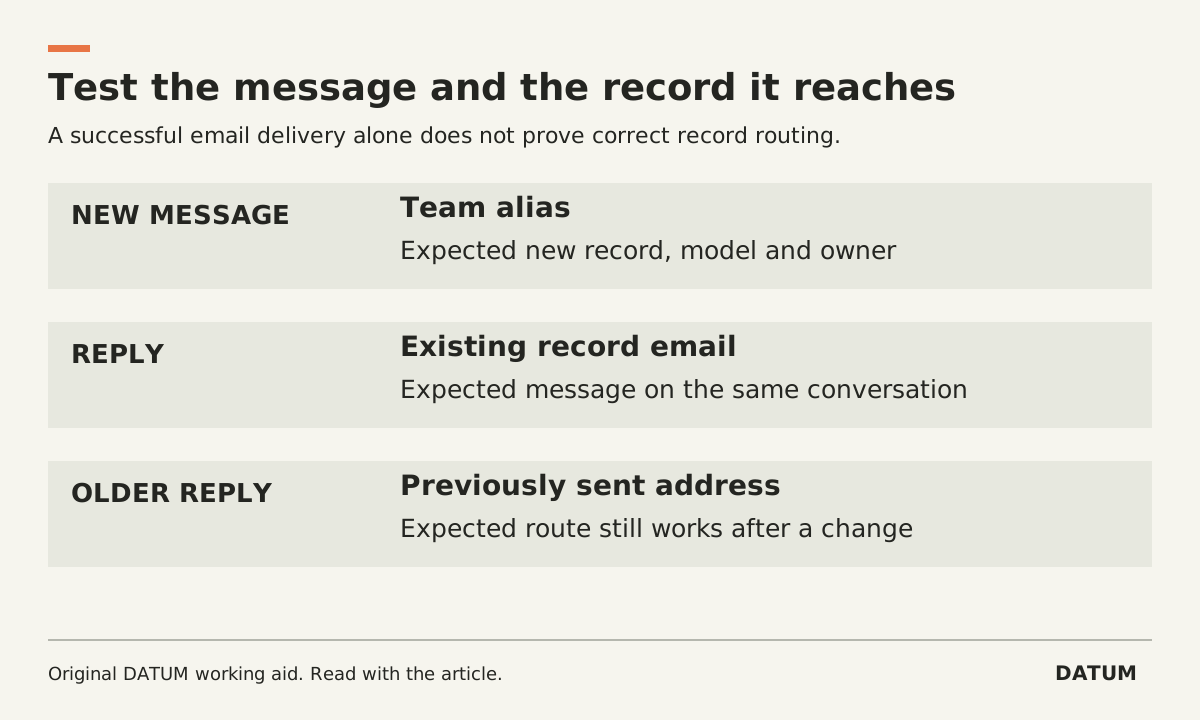
Test inbound Odoo email with both a new message and a reply to an existing record. They are different routing cases. A message arriving somewhere in the database does not prove that it reached the intended lead, task or conversation.
Use a test database, fictional messages and mailboxes you are authorized to use. Keep the trial separate from customer correspondence and live aliases until the system owner accepts the result.
Distinguish the alias from the thread
Odoo 19.0 documents model-specific aliases that can create records from direct email and receive replies to messages sent from records. In its CRM example, reply routing uses message headers to find the existing conversation. The catchall serves replies for models without their own alias; a new message sent directly to catchall is not the ordinary record-creation path. Odoo 19.0 inbound messages.
Write the intended destination for each public address. Name the responsible team and the record type it should create, or state that the address is only part of a reply path. Do not give staff a generic catchall address as if it were a tested intake queue.
Use a message-to-record test log
Record the sender, destination address, subject, sent time, expected record, observed record and evidence link. Keep private message content out of a general status report.
| Test | Expected result to define | Evidence to inspect |
|---|---|---|
| New message to the team's alias | One new record in the intended team and model | Record identifier, owner and original message |
| Reply to a message sent from a record | Message added to that existing conversation | Original record and preserved thread |
| New message sent to catchall | Documented handling, not an assumed new lead | Sender result and absence of unintended intake |
| Reply containing an attachment | Intended conversation receives the permitted attachment | Record, attachment and access scope |
| Forward of an old conversation | Explicitly agreed handling of the forwarded message | Whether it creates or joins a record |
| Message from an unexpected sender | Behavior consistent with the configured acceptance policy | Accepted, rejected or held outcome with an owner |
| Reply to an older outgoing message | Existing reply address still reaches the intended conversation | Message headers and destination record |
A forwarded message is especially useful because staff may assume it behaves like a reply. Test the actual mail client and forwarding method used by the team; do not assign the result from the subject line alone.
Test the domain path the business will use
Odoo Online and Odoo.sh provide default alias-domain handling. A custom inbound domain requires a route that gets messages from that domain's mail system into Odoo. The documentation describes redirection, incoming servers and DNS-based approaches with different conditions. An incoming server is polled by a scheduled job, so receipt is not necessarily immediate. Odoo 19.0 inbound messages.
Run the tests against the proposed domain and hosting configuration. A successful message to the default database domain does not establish that the company's custom domain is configured correctly.
Preserve the current catchall and bounce configuration while planning changes. Odoo cautions that changing their local parts can affect replies to messages already sent with the old addresses. Include the older-message reply case before accepting a transition. Odoo 19.0 inbound messages.
Give failed messages an operating owner
The office needs to know who investigates a missing reply and where that person can inspect delivery and record-routing evidence. A successful outgoing send is not evidence of an incoming reply.
Accept the flow only after a normal user can find the created record, read the reply and access the intended attachment within their permissions. Use the role-permission matrix for that final check. Keep the test log and configuration version together so the team can repeat the affected cases after a domain, mail-provider or alias change.