
Run an ERP vendor demo that leaves evidence your team can judge
Use a facilitator script to keep ERP demonstrations comparable. Assign roles, introduce one controlled exception and record what was shown or remains unresolved.
Give the facilitator ownership of the demonstration sequence and the evidence log. Give the vendor freedom to show how its product achieves each outcome. That combination keeps the comparison fair without forcing different products into the same screen layout.
Prepare the scenarios first. The five-job selection packet explains which operating examples to bring. This article covers the next task: running the meeting so those examples produce a reviewable result.
Assign four responsibilities before the meeting
Name a facilitator, a person who performs or owns the business work, a vendor demonstrator and an evidence recorder. One person may hold more than one role, but the responsibility must be explicit.
The facilitator keeps the sequence and parking list. The process owner judges whether the outcome fits the business rule. The demonstrator explains the proposed configuration. The recorder captures record IDs, evidence, dependencies and unanswered questions.
Give the vendor the approved starting packet and acceptance questions in advance. Reserve a small controlled variation for the session, while telling the vendor what class of exception will be tested. The purpose is to observe recovery and explanation, not to ambush someone with an irrelevant trick.
Use this session script
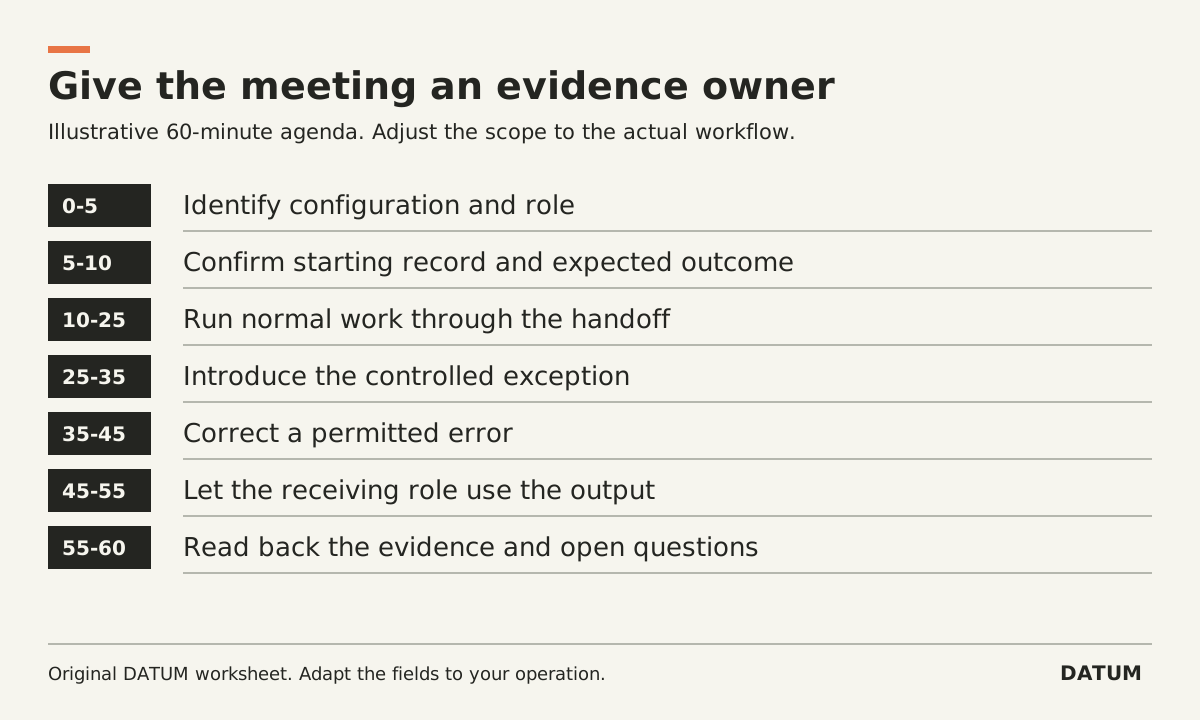
The timing below is an illustrative 60-minute agenda, not a benchmark for every selection process. Adjust the scope rather than rushing several workflows into the same slot.
| Time | Facilitator instruction | Evidence to capture |
|---|---|---|
| 0-5 minutes | “Identify the version, modules and role used today.” | Configuration and included dependencies |
| 5-10 | “Show the starting record and confirm our expected outcome.” | Record ID and agreed starting state |
| 10-25 | “Perform the normal workflow through the next person's handoff.” | Resulting record and receiving-role view |
| 25-35 | “Apply the agreed exception to this same record.” | Changed state, remaining work and owner |
| 35-45 | “Correct one permitted error and show the explanation retained.” | Correction trail and downstream result |
| 45-55 | “Have the receiving role use the output.” | Role access and ability to continue |
| 55-60 | “Read back what was shown, unresolved and dependent on extra work.” | Agreed evidence log and follow-up owners |
Keep the same agenda for each candidate. If a workflow takes longer in one product, record that fact and its reason. Do not silently grant one vendor a prepared second session while scoring another on its first attempt.
Interrupt with a useful question
When the demonstrator moves ahead before the team understands a handoff, use a concrete interruption: “Please stay on this record. Which revision is the crew now supposed to use?” Or: “What remains open after that partial delivery?”
A useful controlled exception might be a corrected quantity or a missing customer reference. State the change and expected business rule without dictating the implementation. Ask the demonstrator to show how the exception becomes visible to the person responsible.
If the answer is “we would configure that later,” record the dependency and the evidence still needed. Do not convert a proposed configuration into a passed requirement, but do not label it a product failure without investigating either.
Make the role visible
Ask whether the screen is being used as an administrator or an ordinary user. For example, Odoo 19.0 documents that user and group permissions affect access and editing. A successful demonstration under a broad account does not establish the intended employee's experience. Odoo 19.0 access rights
Apply the same principle to every product. Ask for the target role to open the resulting record and continue the work. If role configuration is unfinished, preserve that as an open test rather than stopping the entire meeting.
End with a small evidence log
For each requirement, record the observed result, reference, configuration dependency, unresolved question and next owner. Use plain states: shown, partly shown, not shown, or outside the agreed scope. Keep the process owner's judgment beside the observed result.
Separate a software gap from a business-rule disagreement. If the team cannot decide who approves an extra, record that decision for the business rather than asking the vendor to invent policy on the spot.
After the meeting, send the same form of follow-up to each provider through your normal authorized process. Request a specific record or demonstration for each unresolved item. The meeting is complete when your team can say what the evidence establishes and what still needs proof, even if that answer is that neither candidate is ready for a selection decision.